
Unbound for Mac
No-nonsense photo management
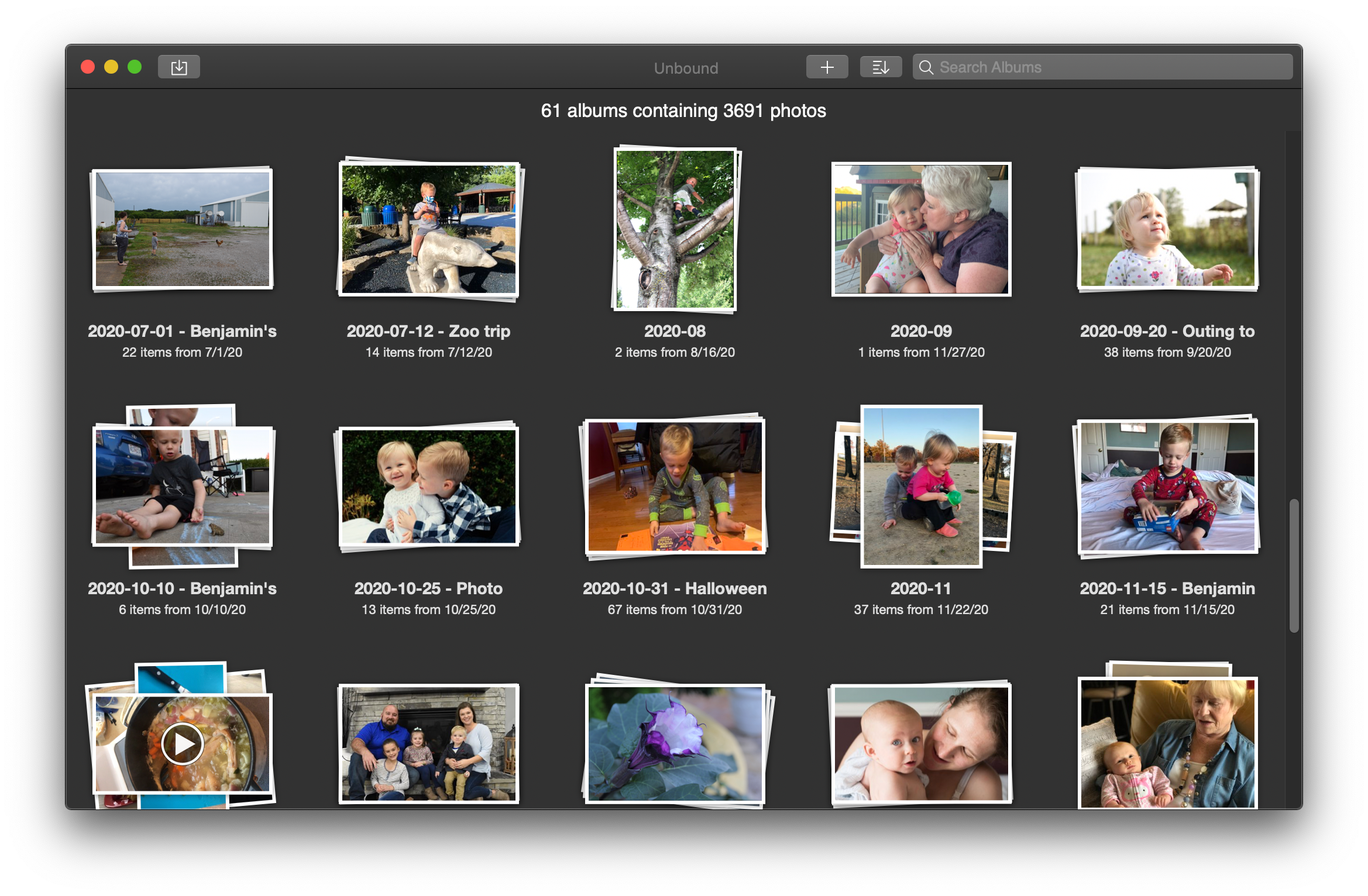
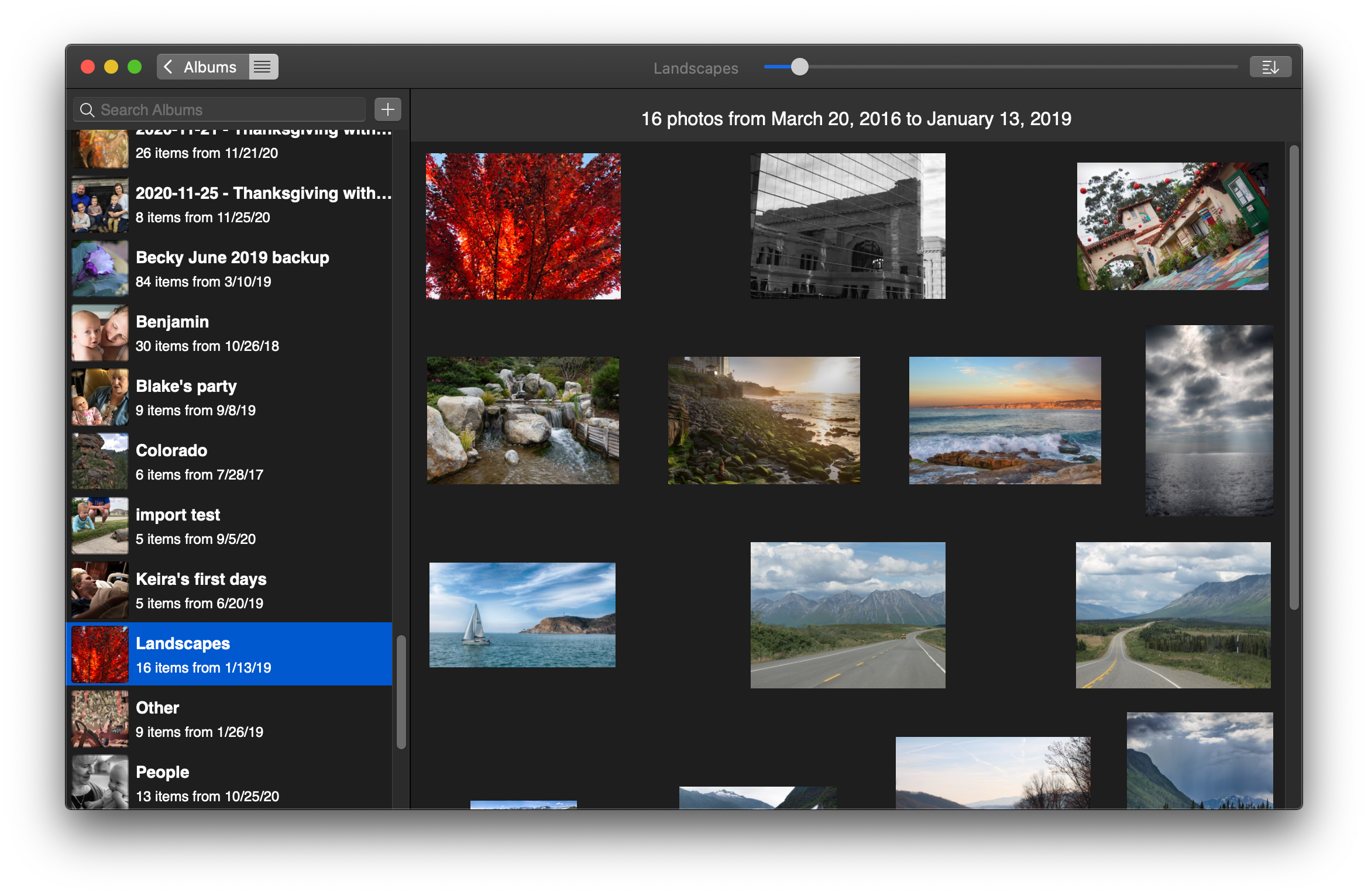
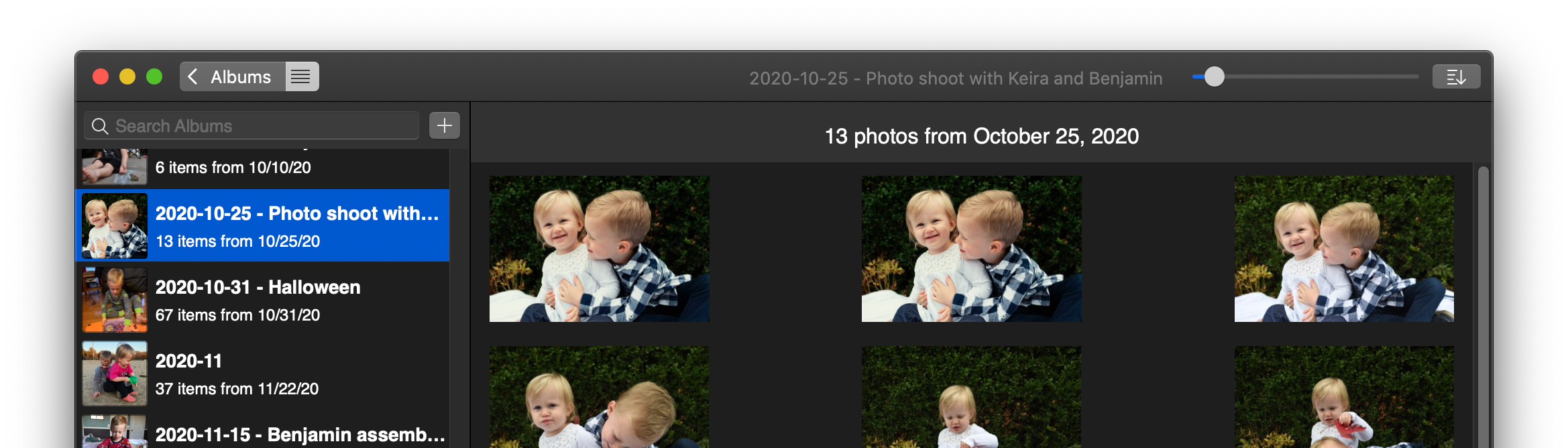
Unbound keeps photo organization simple—and fast.
Manage your photo library the way you want—just point the app at your photos directory and you’ll get a simple, gorgeous browsing experience that respects your files & folders.
Unlike other photo managers, Unbound doesn’t use some proprietary library that might screw up your data... or be abandoned.
With Unbound, your photos simply live in a plain old folder on your computer, accessible from anywhere. You can use Dropbox or any of a million other cloud syncing tools to back them up and share them, and you can be sure they’re actually backed up. Your photos are just files… what a concept!

Quickly navigate your photo library using your keyboard.

Your photos stay right where you left them.

Always keeps up to date when files change.

Sync using your existing cloud service.

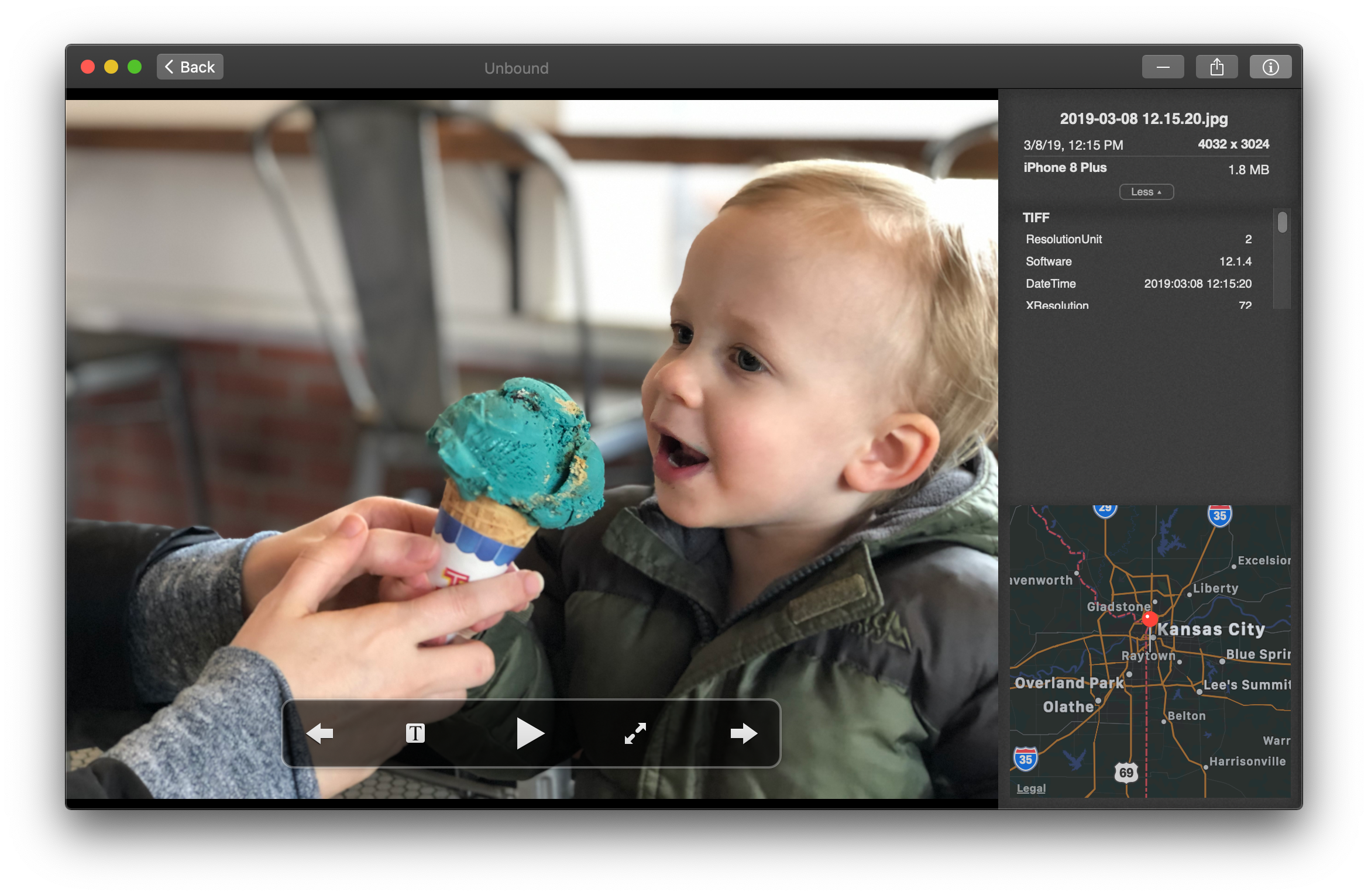
Easily view camera settings for each photo.

Show off your photography with a slideshow.
What People Say About Unbound
. . . very fast, and very simple, it doesn't needlessly duplicate your photos like practically every other app out there.
bertfw_, App Store review
Unbound for Mac could replace iPhoto on your Mac
Charlie Sorrel, Cult of Mac
The best and ONLY solution for some specific problems
highTechFool, App Store review
What’s New
-
v1.5.0 (Jan. 9, 2021)
By popular request: we now support scanning multiple photo directories!
This means if you have, say, some of your photos in Dropbox, others on your hard drive, and yet more on a network drive, you can now see them all in one place in Unbound.
-
v1.4.0 (Dec. 28, 2020)
Tons of little improvements to organizing photos within the app!
See the complete list of new keyboard shortcuts in the full changelog.
-
v1.3.7 (Dec. 20, 2020)
One last update before the App Store Christmas shutdown!
- Improvements to display of portrait-orientation photos in album photos view
- Importing a new album (directory) now scrolls it into view and highlights it
- Fixed text rendering when renaming an album
-
v1.3.6 (Dec. 18, 2020)
- Fixed a crash when changing main photos directory (the infamous “NSSQLiteErrorDomain error 522”)
- Pressing the Escape key in fullscreen (slideshow) mode now takes you out of full screen
- Fixed a bug affecting the demo only where the “Delete Album” button didn’t work
-
v1.3.5 (Dec. 13, 2020)
- Minor fixes for M1 Mac (Apple Silicon) compatibility
- Fix to allow dark mode/light mode pref to override system-wide setting on macOS Mojave, Catalina, and Big Sur (thanks Nigel!)
- Lots of improvements to first-run experience
-
v1.3.4 (Dec. 4, 2020)
Added experimental support for M1 Mac (Apple Silicon) and enabled Apple’s Hardened Runtime for improved security.
See the complete changelog for more.
Unbound is now free*

Hi, I’m Tyler. I took over development of Unbound in early 2020 as a way to learn more about the Apple UI frameworks and to try my hand at building an app business. I was kind of sick of my day job, and working on Unbound provided a nice outlet.
Fast forward to today, I have a new full-time job that I’m quite happy in, and I’ve just not had the motivation or spare brain cycles to give Unbound the attention it needs. I dread support emails, and I feel vaguely guilty that I’m not working on improving the app more.
Thus, after many years of being a paid app, I’ve decided to make Unbound free (both in the sense of freedom and advice).
There is absolutely no support available for Unbound. (That’s the whole point of me ceasing to sell it! 😅)
With that said, I believe it’s more or less functional on Catalina and Big Sur.
If you would like to browse the code, you can find it for free (under the 2-clause BSD license) on GitHub.
System Requirements
Unbound requires a Mac. Any Mac running either of the two most recent versions of macOS will work great.
- Supported operating systems: macOS 10.15 (Catalina) and macOS 11 (Big Sur)
- Supported CPUs: both Intel and M1/Apple Silicon